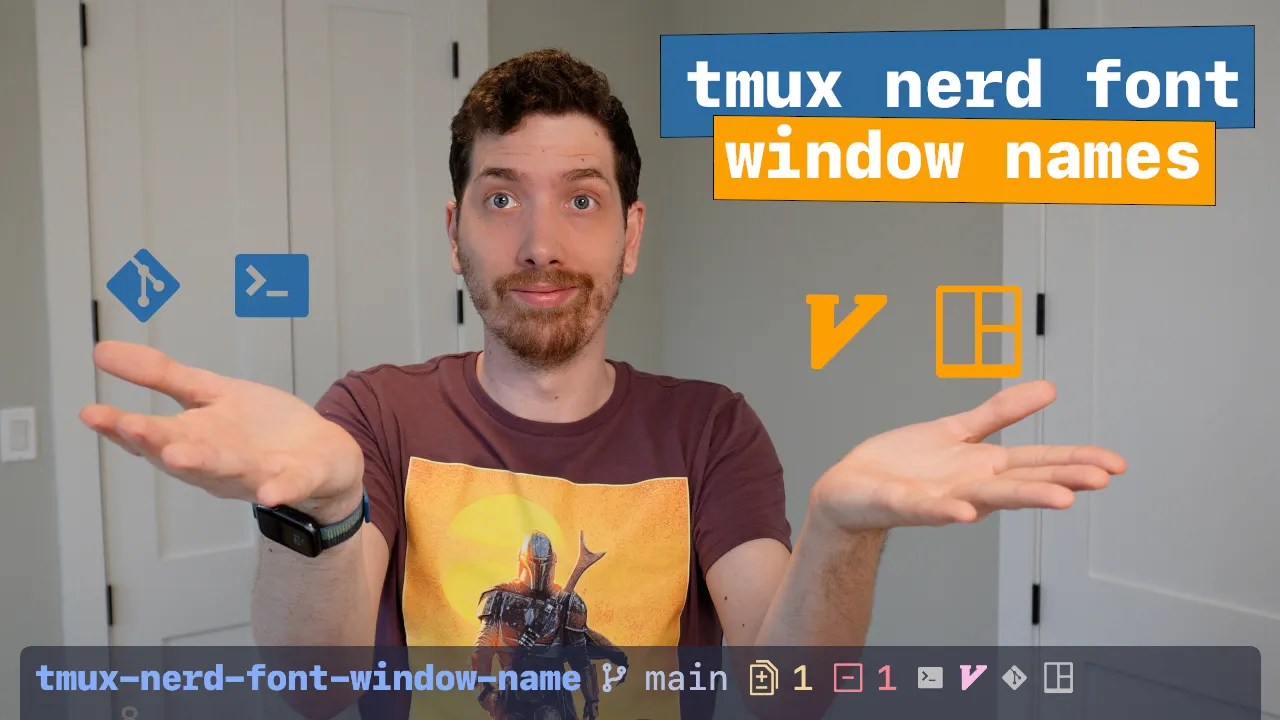
tmux-nerd-font-window-name
A tmux status bar full of window names like zsh, zsh, node, and nvim
tells you very little at a glance. This plugin watches what’s actually running
in each window and swaps the name for a matching Nerd Font icon, so you can
find the right window by shape instead of reading every label.
Features
- 🔣 Automatic icons — detects the running process in each window and renders the matching Nerd Font glyph.
- 🎨 Custom icon map — override any built-in icon or add your own in a YAML config. Nerd Font glyphs, emoji, whatever you like.
- 🏷️ Icon and name together — show the icon on its own or alongside the
window name with
show-name. - 🧭 Icon position — place the icon to the left or right of the name.
- 🪟 Multi-pane indicator — a distinct icon for windows that have been split.
- ❓ Fallback icon — a configurable glyph for processes with no definition yet.
- 🧩 Custom placeholder — drop
#{window_icon}into your ownautomatic-rename-formatto control the whole layout. - ❄️ Nix flake — install via tpm, or through the flake and Home Manager.
Get started
Install with tpm and hit prefix + I. You’ll need a Nerd Font configured in
your terminal. The full list of config options and the icon definitions live
on GitHub — contributions of new icons are welcome.
joshmedeski/tmux-nerd-font-window-name
Nerd Font icons for your tmux windows